Your invoice is more than just a bill, it is a legal document, a branding opportunity, and a communication tool. A poorly formatted invoice leads to confusion, back-and-forth emails, and delayed payments.
If you want to get paid faster as a freelancer, you need to use an invoice format that removes all friction for the client. Here is exactly what you must include in your freelance invoice template, and what you should leave out.
Essential Elements of a Freelance Invoice
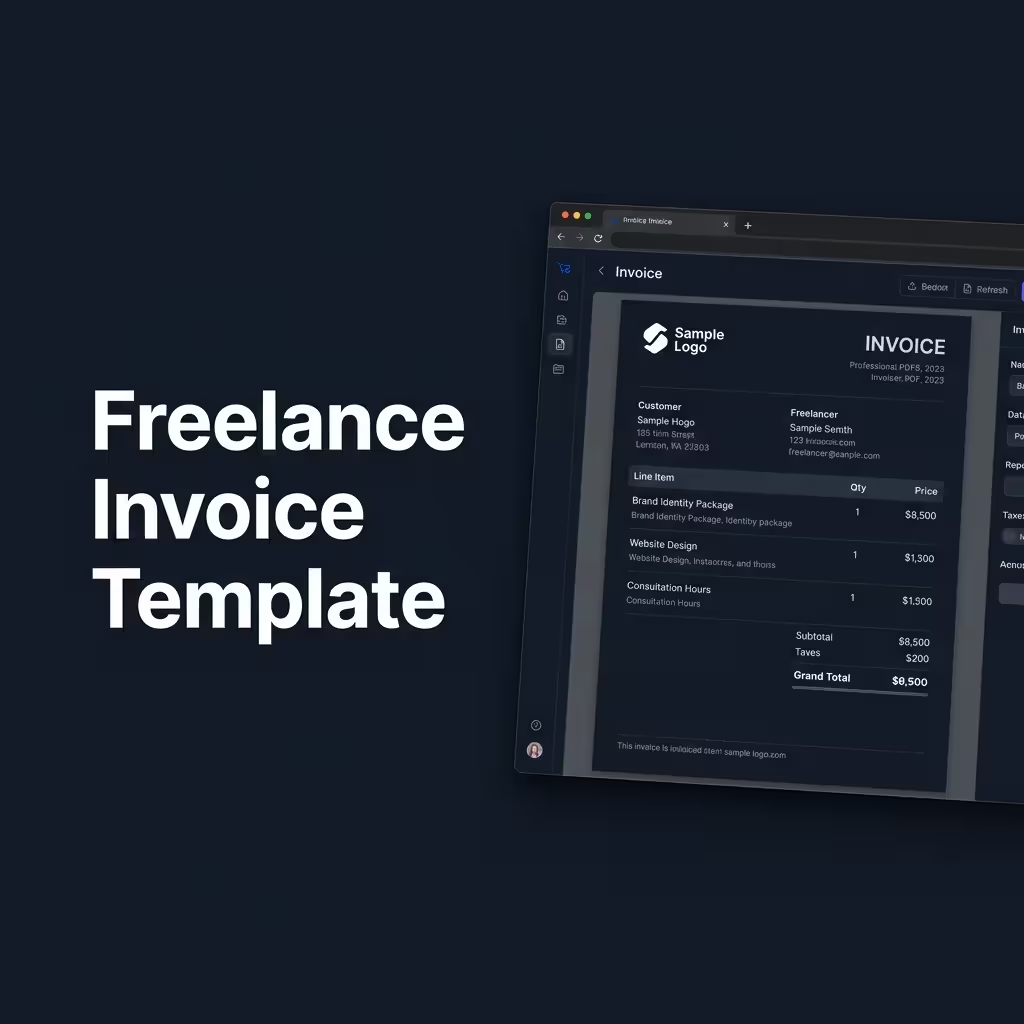
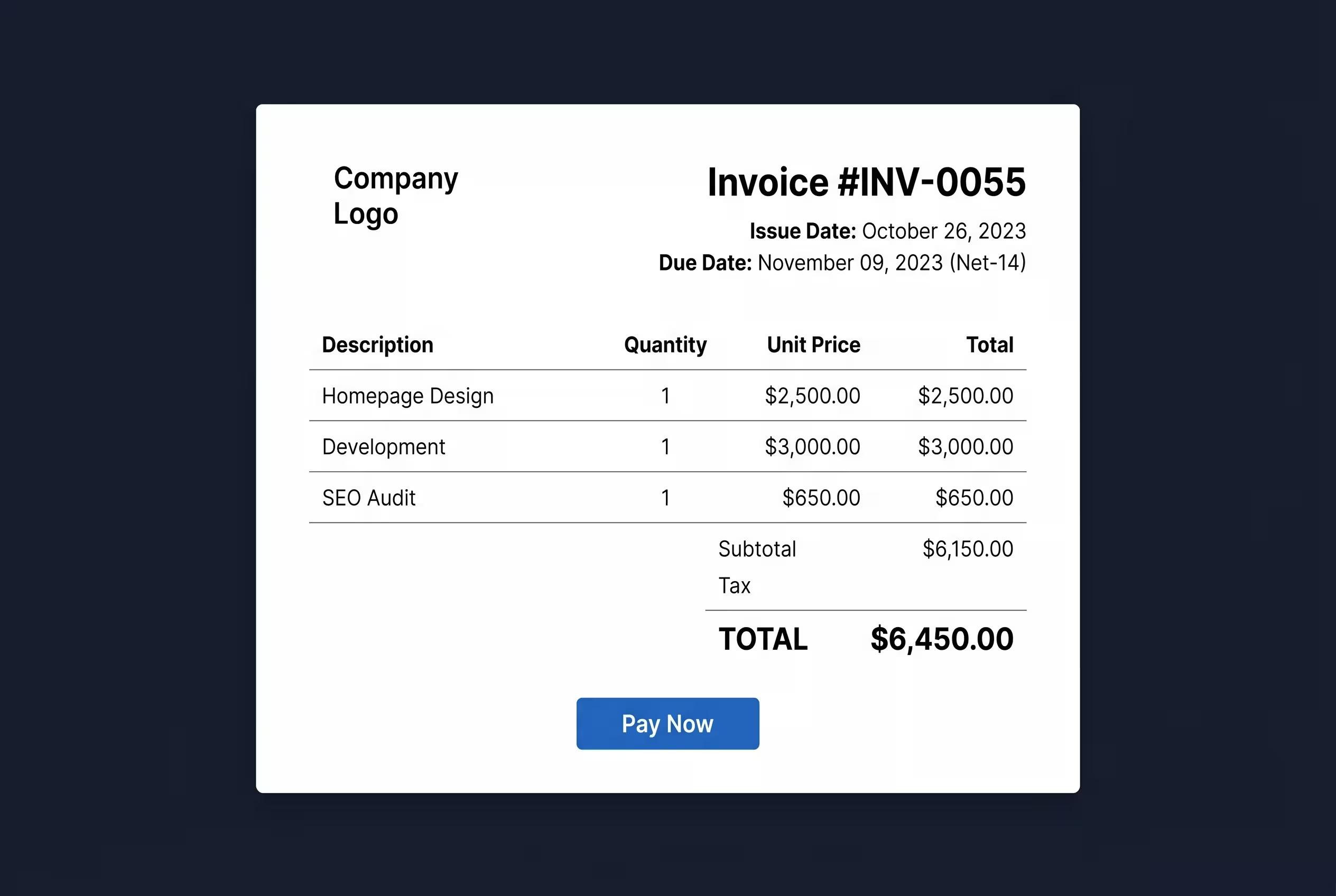
No matter what industry you are in, every professional invoice must include these foundational elements:
- Your Business Info: Name, logo, address, and tax ID (if applicable).
- Client Info: The specific contact person, company name, and their billing address.
- Invoice Number: A sequential, unique ID (e.g., INV-0042) for accounting purposes.
- Dates: The date the invoice was issued and the exact due date.
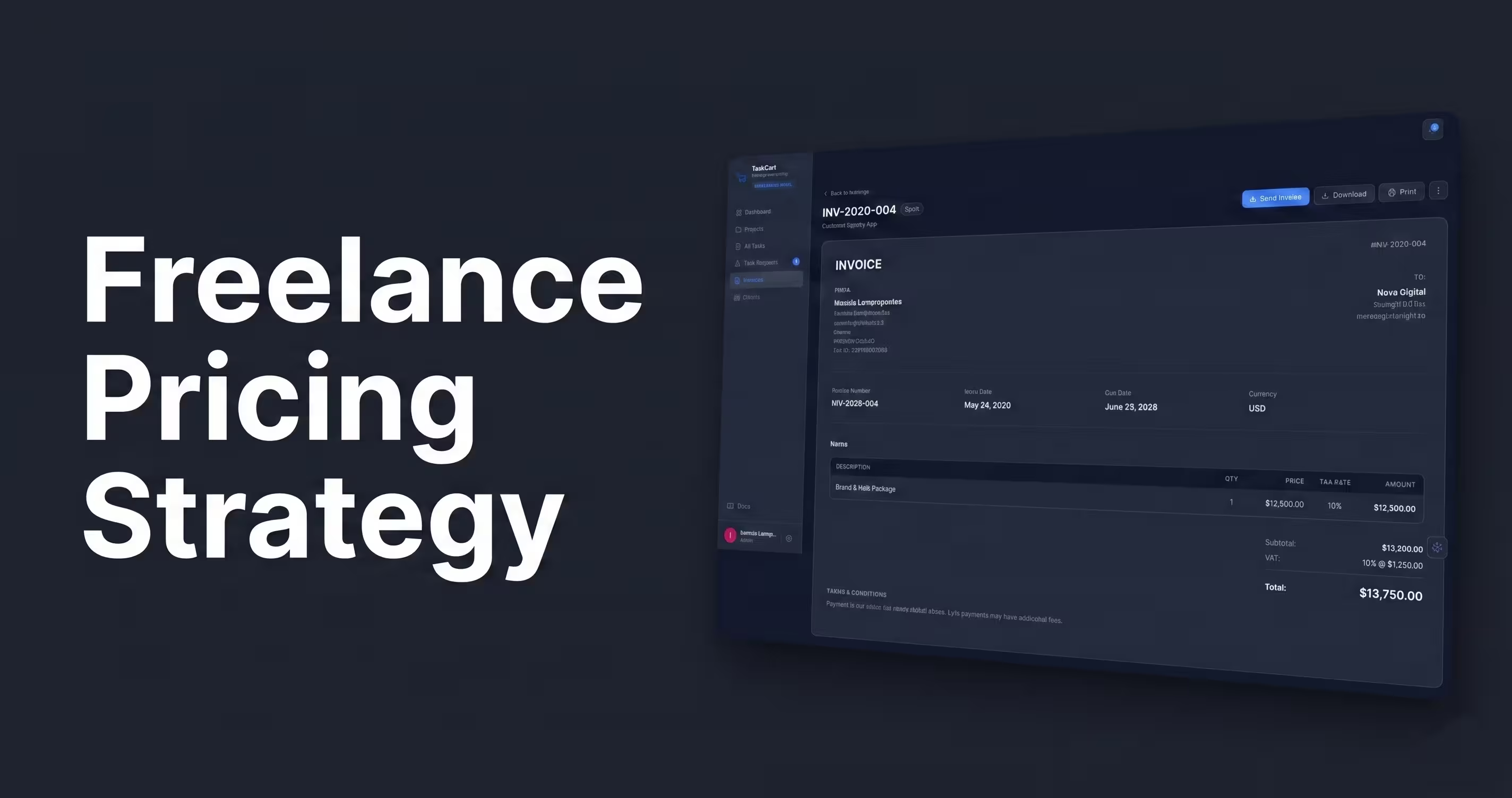
- Itemized List: A clear breakdown of the services provided, quantities, unit prices, and applied taxes.
Why Clear Payment Terms Are Mandatory
Never leave the due date open to interpretation. "Due on Receipt" is often ignored by corporate accounting departments.
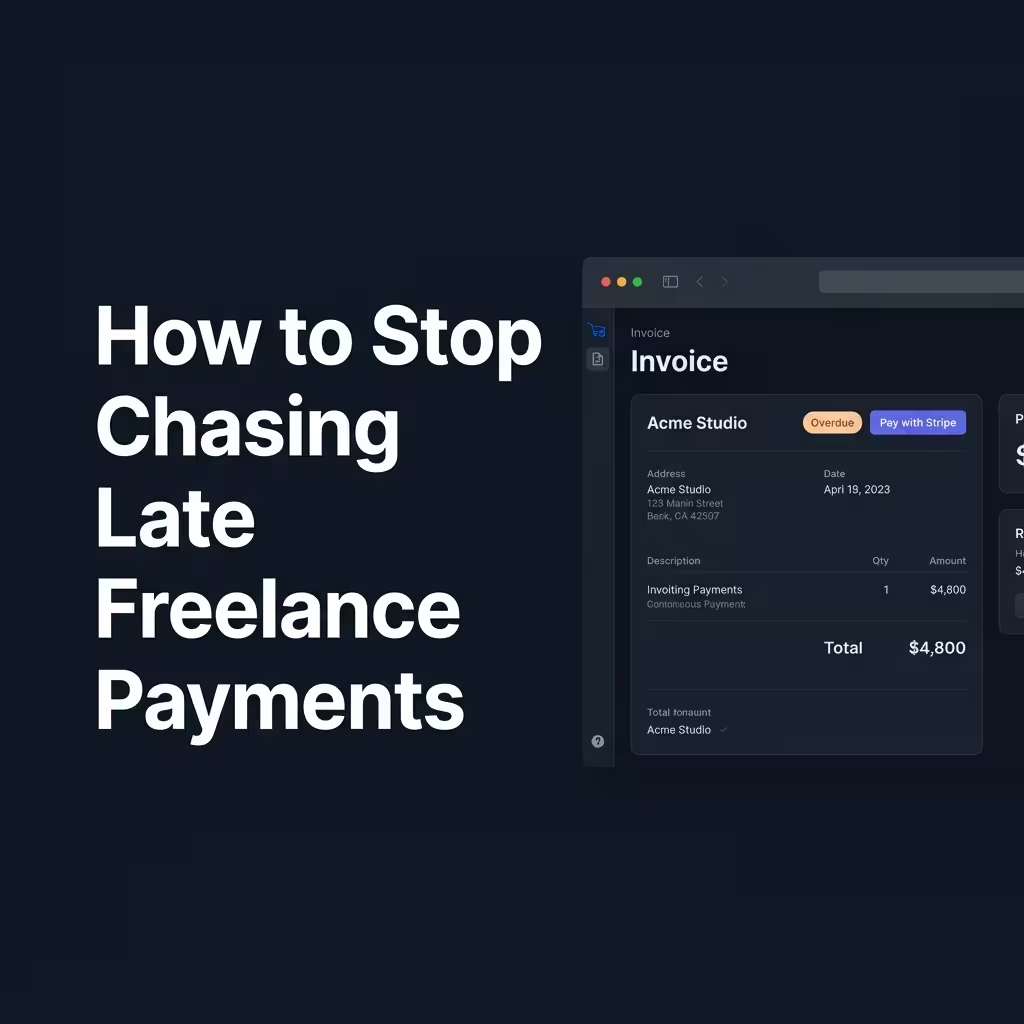
Be explicit. State "Payment due within 14 days (Net-14)." Additionally, this is where you should list your late fee policy. As we discussed in our guide on stopping late payments, clearly stating a 1.5% monthly late fee drastically increases your chances of being paid on time.
Why PDF Invoices Are No Longer Enough
For years, freelancers created invoices in Word or Excel, exported them as PDFs, and attached them to emails. In 2026, this is outdated and creates friction.
If a client receives a PDF, they have to manually process the payment through their bank or mail a check. Instead, you need dynamic invoices with built-in payment processors (like Stripe). This is a primary reason freelancers upgrade from basic tools like Wave to platforms like TaskCart that embed hosted checkout links directly into the invoice.
What to Skip on Your Invoice
Keep your invoice clean. Do not include:
- Vague descriptions: Instead of "Web Design," write "Homepage UI Design and Figma Handoff."
- Your entire contract: Your invoice is not a legal agreement for the project scope; keep the terms limited to payment rules only.
- Unnecessary surprises: Never add hidden fees or expenses to an invoice that were not pre-approved by the client.
Generate Perfect Invoices Automatically
You shouldn't be designing invoices from scratch every month. By using a unified freelance management system, your tracked hours and completed tasks automatically populate into beautifully formatted, compliant invoices.
With TaskCart's built-in invoicing system, you simply click "Generate," and the system creates an immutable PDF and a Stripe checkout link, instantly sending it to your client's portal.