When you first start freelancing, getting clients is the hardest part. But once you succeed, a new, much more stressful problem emerges: managing all of them at once.
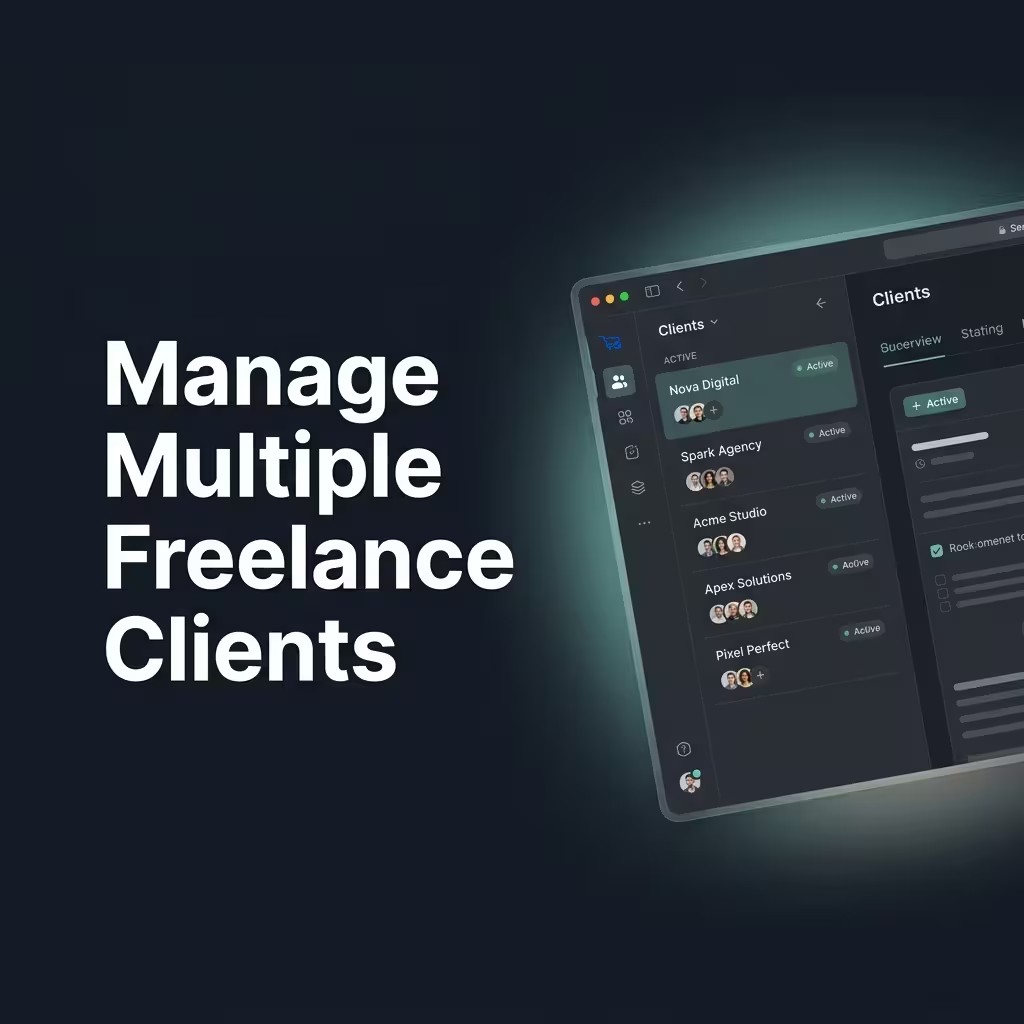
Juggling 5 to 10 active clients means dealing with scattered Slack messages, forgotten email threads, conflicting deadlines, and a massive cognitive load. If you don't build a system, you will drop the ball. Here is how to manage multiple freelance clients efficiently without burning out.
Centralize All Client Communication
The fastest way to lose your mind is letting clients dictate how they communicate with you. If Client A uses Slack, Client B uses email, and Client C texts your personal phone, you will constantly miss crucial project details.
You must funnel all clients into a single communication stream. Tell them during onboarding: "To ensure nothing gets missed, all project requests and files must be submitted through your client dashboard."
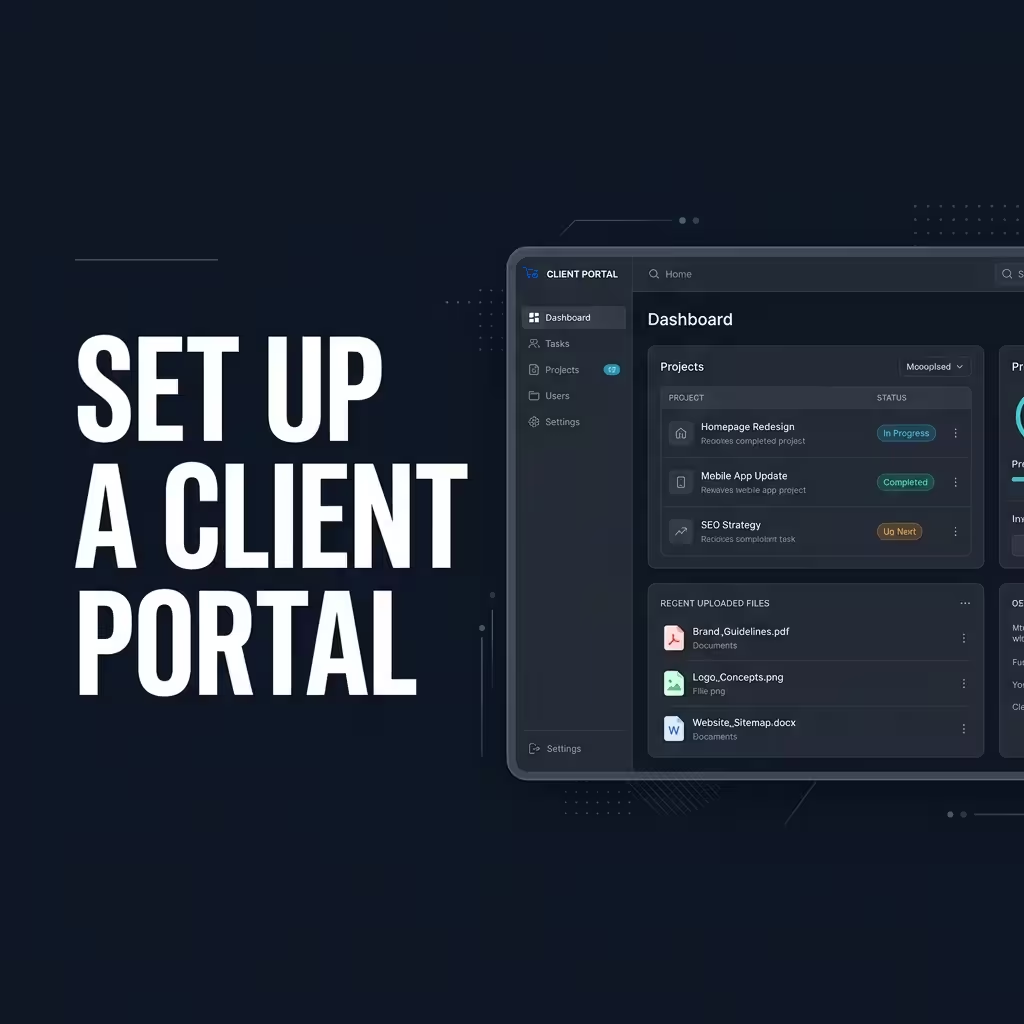
Set Up a Dedicated Client Portal
You cannot scale a freelance business out of your Gmail inbox. Implementing a dedicated client portal is the ultimate cheat code for managing multiple projects.
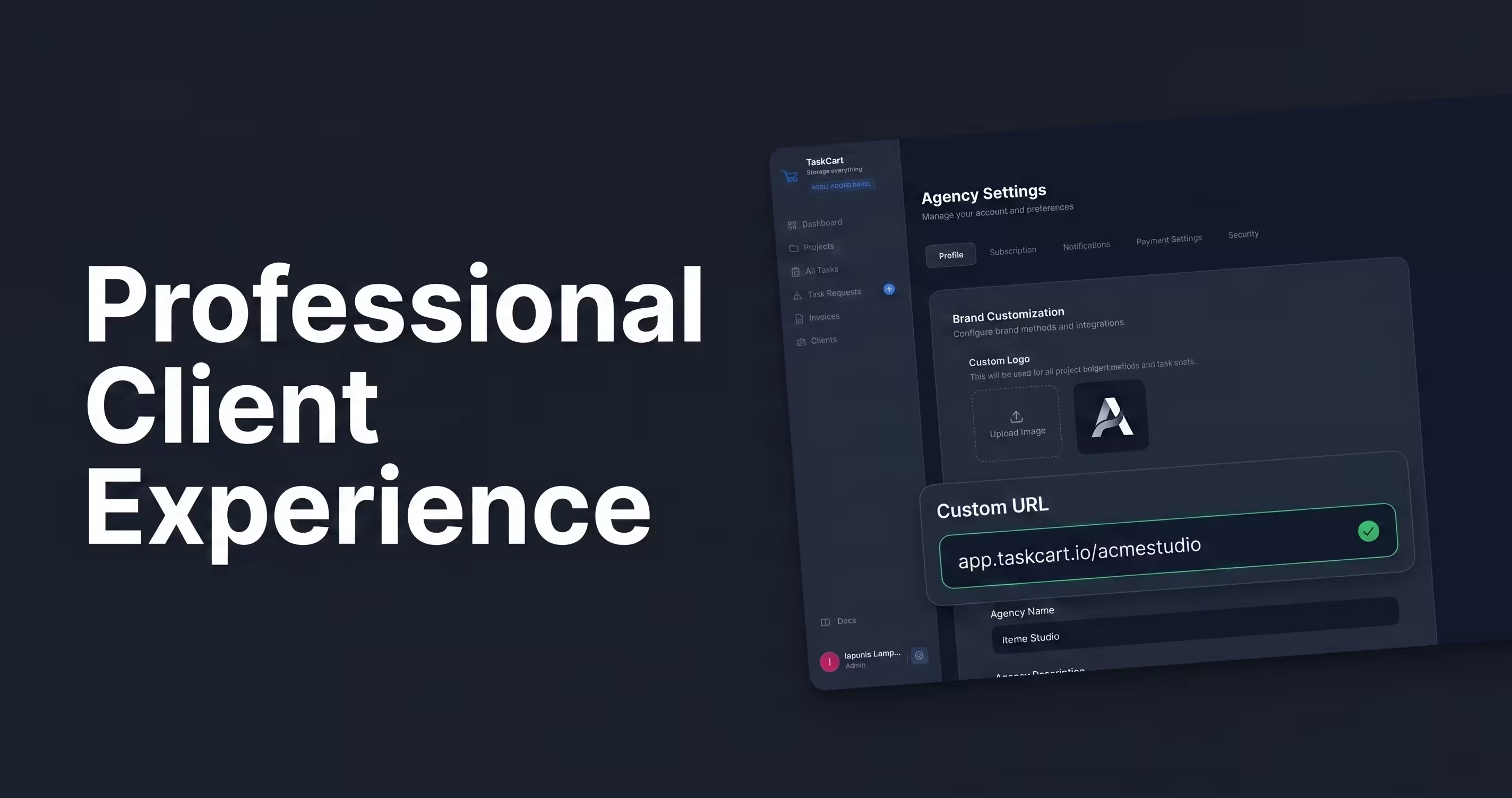
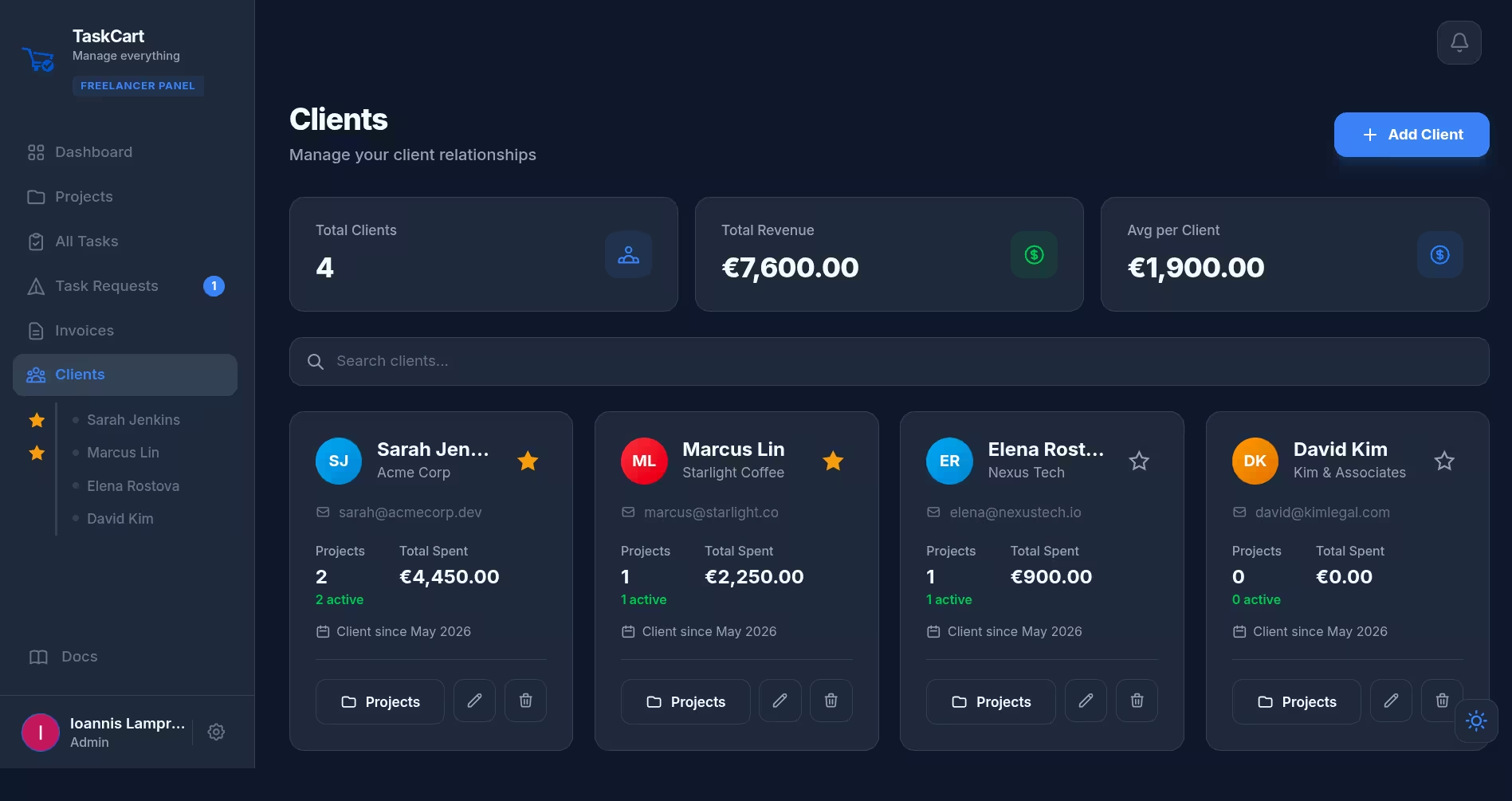
A portal gives each client a secure login where they can see their specific project timeline, approve task requests, and pay invoices. This eliminates the "can you resend that file?" emails that eat up hours of your week. It also provides a deeply professional client experience that justifies premium rates.
Use Kanban Boards for Everything
When juggling multiple clients, you need a bird's-eye view of your entire business at a glance. Kanban boards (Todo, In-Progress, Review, Done) are perfect for this.
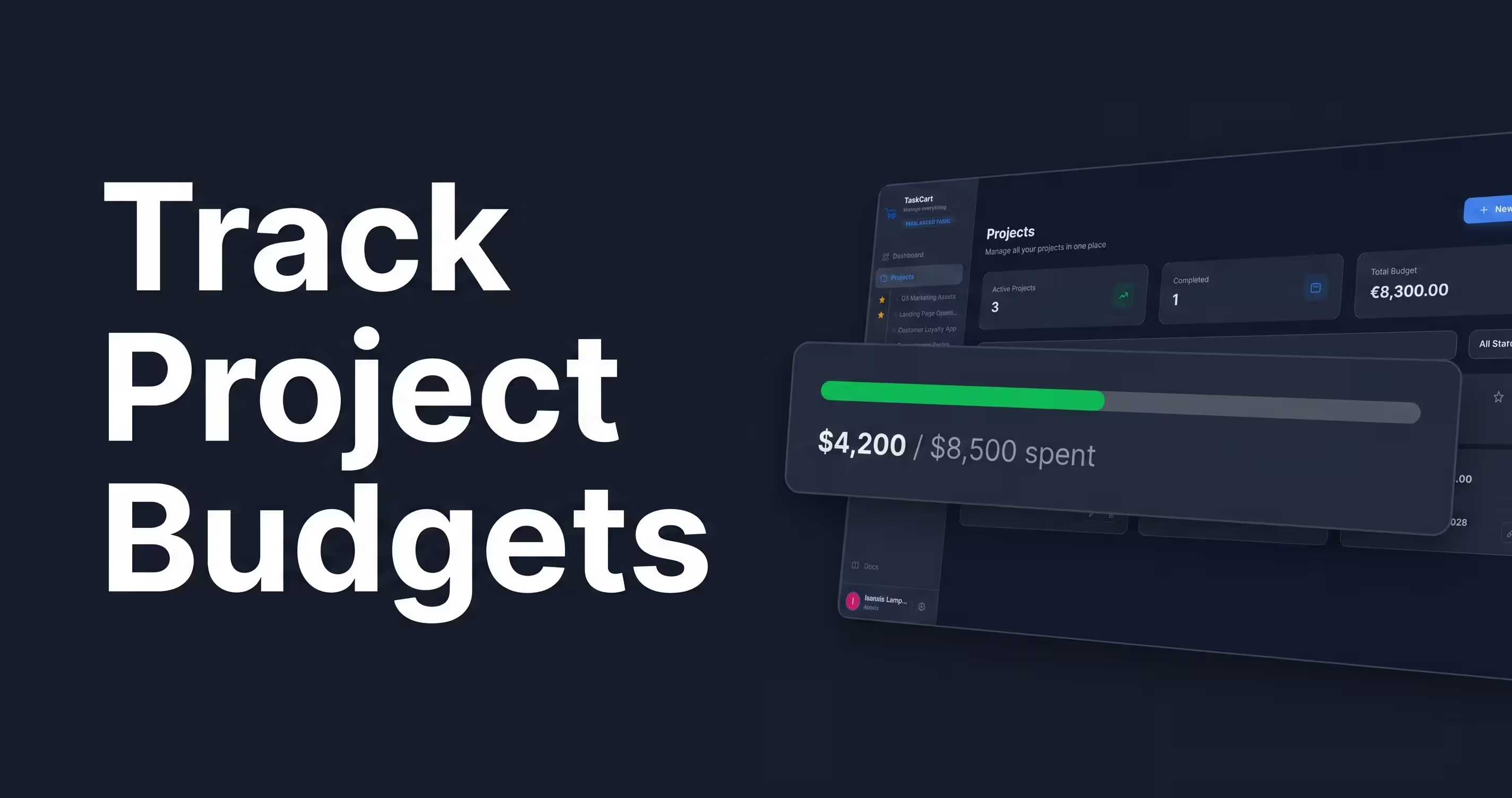
However, your task board needs to be connected to your client billing. Using isolated tools forces you to duplicate data entry. This lack of integration is exactly why many freelancers abandon tools like Notion, building a custom CRM from scratch takes time away from actual billable work. Use a platform where moving a task to "Done" seamlessly updates the client's project budget.
Enforce Strict Time Blocking
Context switching destroys productivity. If you spend 20 minutes on Client A's website, switch to Client B's logo design, and then answer Client C's email, you will accomplish nothing.
Dedicate specific blocks of time (or entire days) to specific clients. For example, Tuesday mornings are strictly for Client A. Mute notifications for everyone else during that block.
Standardize Your Onboarding Process
Every time you sign a new client, the steps should be identical. You should not be writing welcome emails from scratch or manually creating Google Drive folders.
Create an automated onboarding flow: send the contract, collect the deposit, and automatically generate their client portal workspace. TaskCart handles this end-to-end, allowing you to spin up a new client project with integrated billing in less than two minutes.