If you are still managing your freelance clients entirely through email threads and scattered Google Drive links, you are making your life significantly harder than it needs to be. Email is a fantastic communication tool, but it is a terrible project management system.
Files get lost, feedback gets buried, and clients inevitably ask, "Can you resend that invoice?" right when you are in the middle of deep work. Setting up a professional client portal eliminates this chaos, elevates your brand, and provides a professional client experience that justifies higher rates.
What is a Freelance Client Portal?
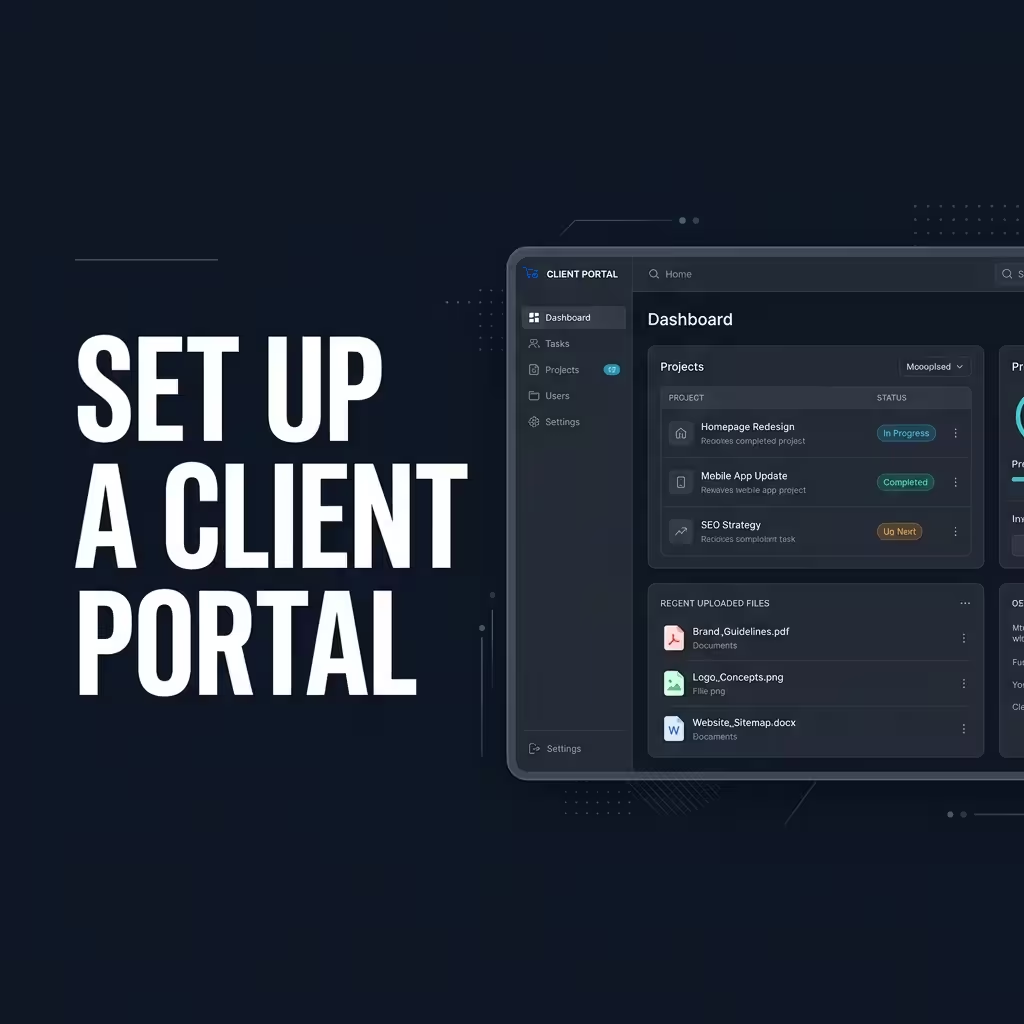
A client portal is a secure, private, centralized web dashboard where your clients can log in to interact with your business. Instead of digging through their inbox, clients simply log into their portal to see everything related to their project.
A highly effective portal should consolidate three things: communication, file sharing, and billing. When these three elements are in one place, the friction between you and your client disappears.
Why Freelancers Need a Dedicated Portal
Many freelancers try to hack together a portal using generic tools. They might share a Dropbox folder for files and a separate link for billing. This fragmented approach confuses clients.
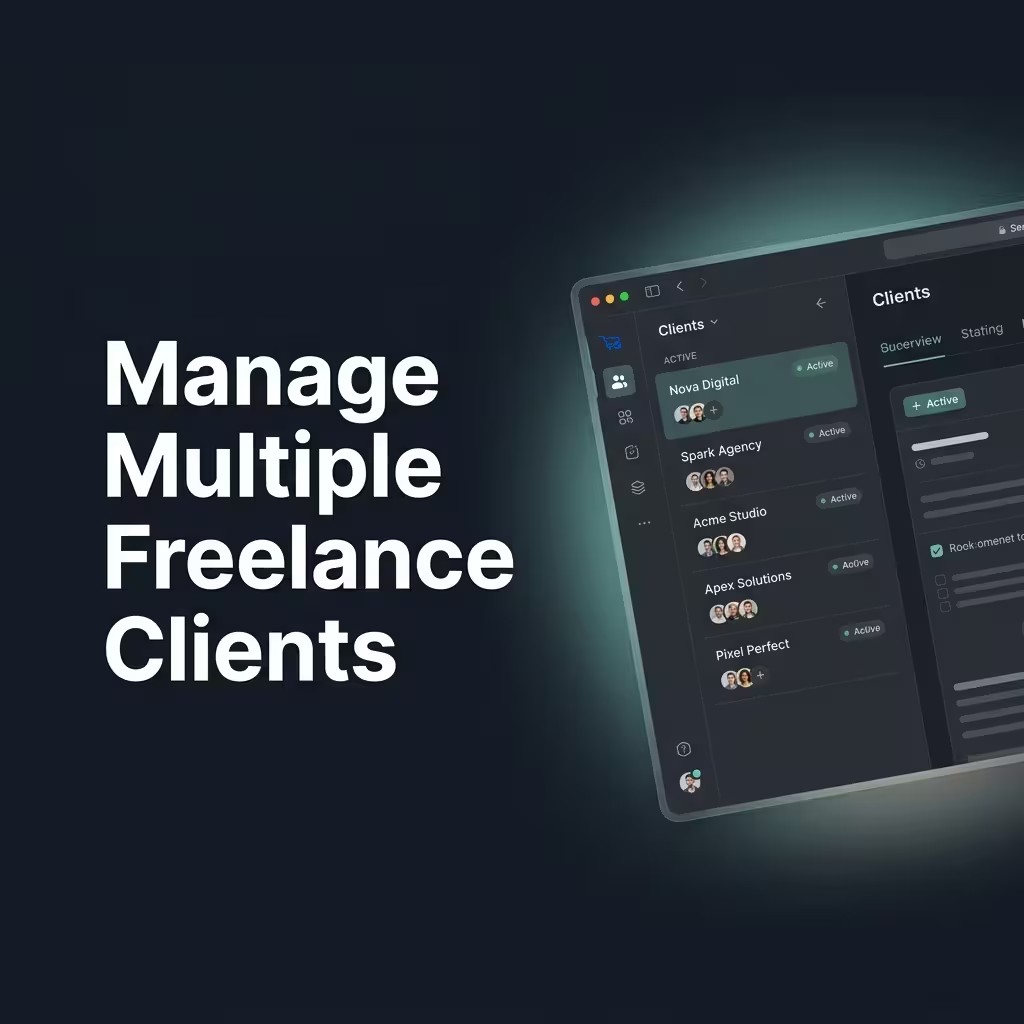
When you provide a unified portal, you train your clients to use a single source of truth. It dramatically reduces administrative emails and gives you back hours of billable time. If you are trying to manage multiple freelance clients at once, a portal isn't just a luxury, it is an operational requirement.
Key Features of a Great Client Portal
Not all client portals are created equal. To genuinely streamline your workflow, your portal must include:
- Read-only Project Tracking: Clients should see what stage their project is in without seeing your messy internal notes.
- Task Requests: A dedicated form where clients can request new work (and suggest a budget) that you can approve before starting.
- Integrated Billing: Clients should be able to view, download, and pay invoices directly within the portal.
- Secure File Hosting: A central repository for deliverables, contracts, and brand assets.
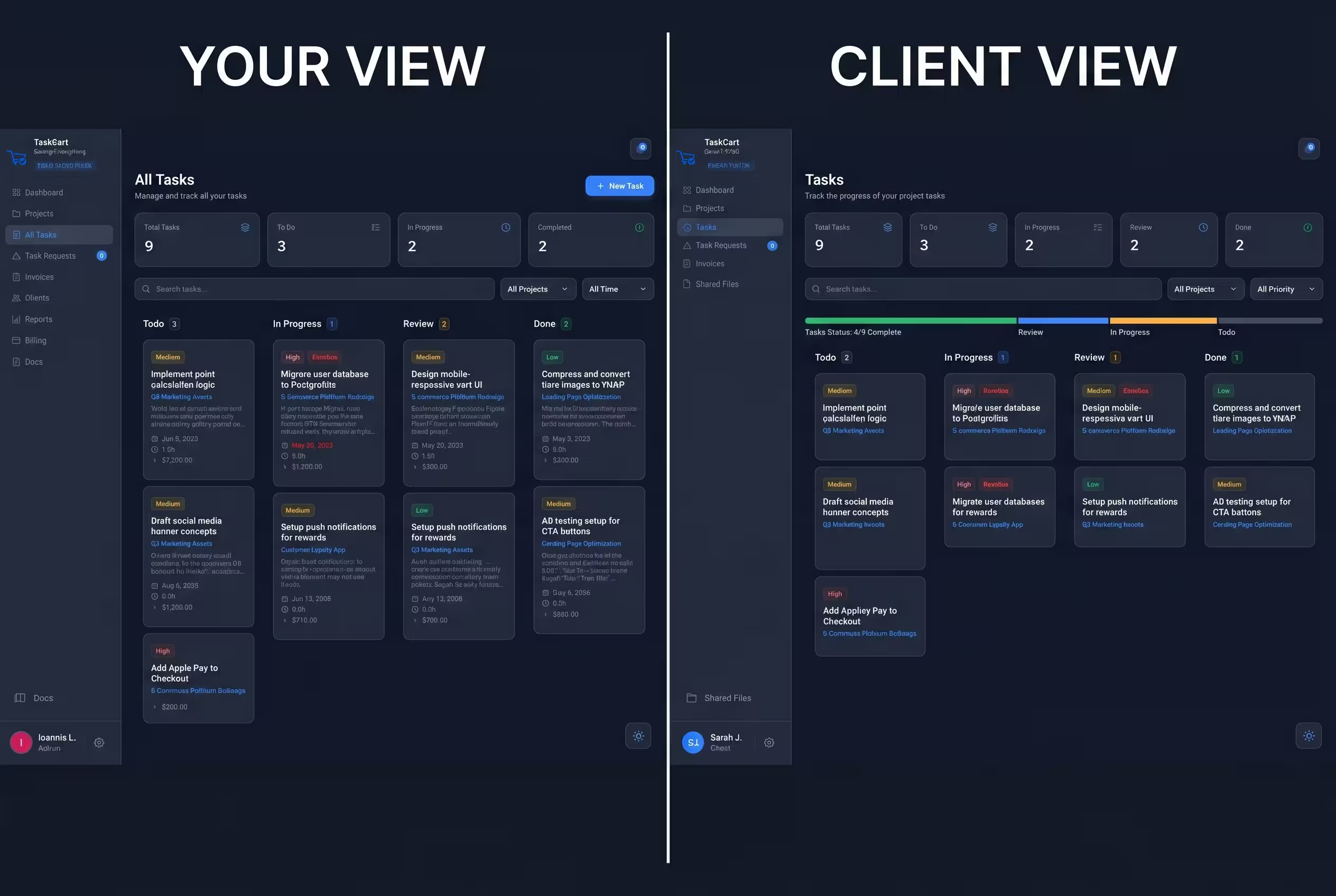
How to Set Up Your Portal in Minutes
You don't need to code a custom dashboard to give your clients a premium experience. With TaskCart's built-in client portal feature, setting this up takes less than two minutes.
When you create a new client in your TaskCart dashboard, the system automatically spins up a secure, private portal for them. You have granular control over what they see. You can toggle specific Kanban boards to be visible, attach Cloudflare R2-hosted files directly to their profile, and instantly sync their Stripe invoices.
The White-Label Advantage
If you want to look like a high-end agency, you need to remove third-party branding. Premium tools often charge astronomical prices for this capability, which is why many agencies look for an affordable Copilot alternative.
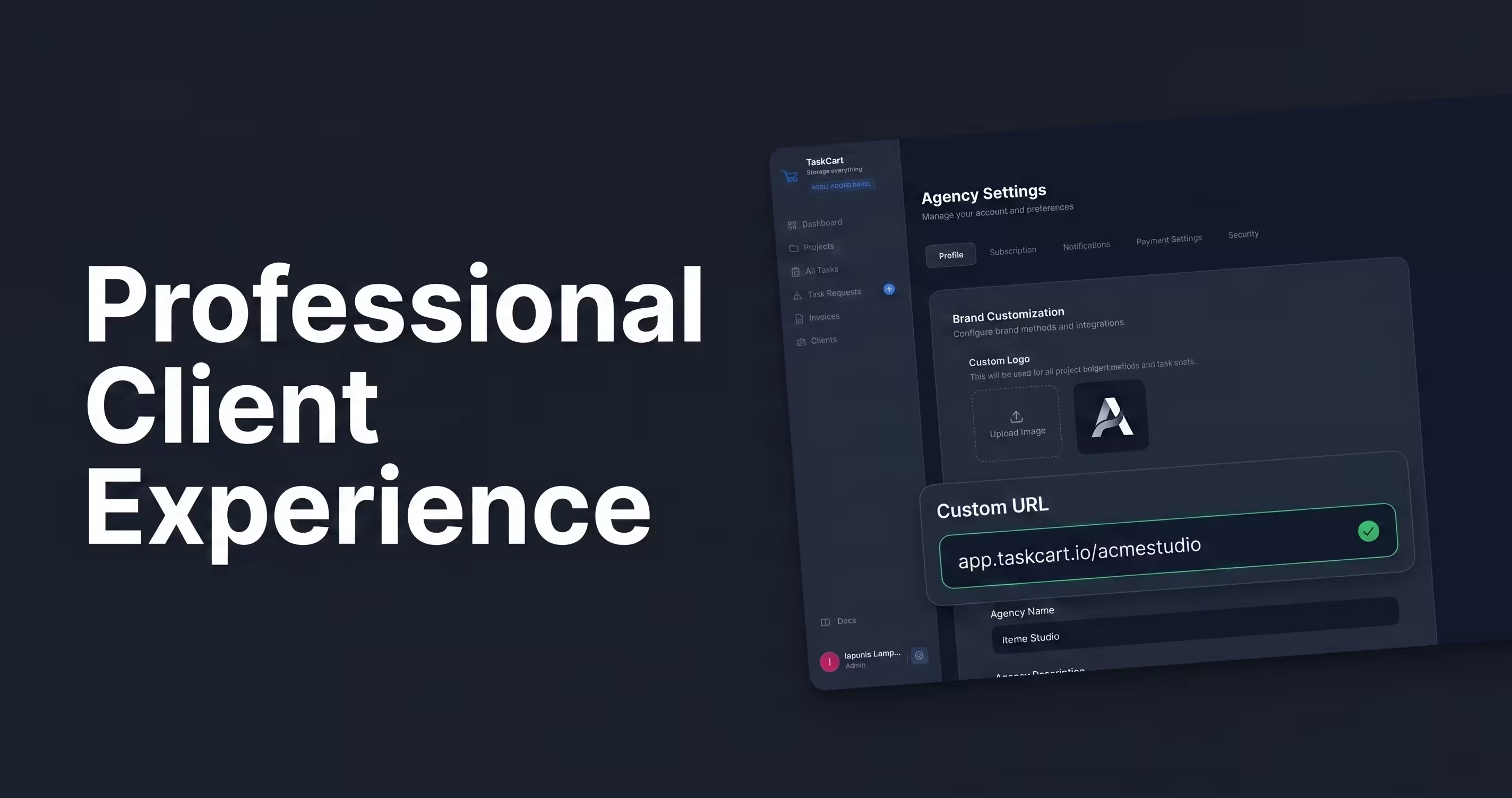
On TaskCart's Agency tier, you get full white-labeling. You can map the portal to your own custom domain (e.g., portal.youragency.com), upload your custom logo, and apply your brand colors. Your clients will never know you are using TaskCart; they will just think you invested thousands of dollars into custom software.